Lumail vs Adobe Marketo Engage: Which Email Platform Fits How You Work?
Marketo is quote-only B2B marketing automation licensed per contact. Lumail is self-serve email billed by sends, with 89 MCP tools. Compare the models.
In this guide
Adobe Marketo Engage is an enterprise B2B marketing automation platform, sold on custom quotes per 1,000 contacts and built around CRM sync, lead scoring, and account-based marketing; Lumail is a self-serve email platform with published prices, billed by emails sent, that AI agents can operate through 89 MCP tools.
These products are not the same size. Marketo is a marketing operations system that happens to send email; it expects a dedicated team, a CRM, and an implementation project. Lumail is the email system itself, without CRM sync, scoring, or ABM. Marketo facts in this comparison come from its official pricing page as of August 2026, which lists packages but no prices; verify details with Adobe before purchasing. For the compact version, see the side-by-side comparison table.
Lumail vs Marketo Engage at a glance
| Decision | Lumail | Adobe Marketo Engage |
|---|---|---|
| Core focus | Campaigns, workflows, transactional email, and AI-agent operations | B2B marketing automation with CRM sync, scoring, and ABM |
| Pricing basis | Email volume; unlimited subscribers on every plan | Per 1,000 contacts, on a custom quote |
| Free plan | 3,000 emails per month, no credit card | None |
| Paid entry | Premium: $20/month with 40,000 emails included | Not published; four packages from Growth to Ultimate |
| AI and developer access | 89 MCP tools, ChatGPT app, CLI, TypeScript SDK, REST API | Generative AI in product, MCP in limited availability, REST APIs |
| Automation | Graph workflows on every plan | Smart Campaigns, nurture programs, lead scoring, and routing |
| Transactional email | API or SMTP in the same organization as campaigns | Operational emails through API-triggered campaigns; no public SMTP |
| Best fit | Teams that want self-serve email operated by agents and code | B2B teams with marketing operations staff and Salesforce or Dynamics |
Lumail's current plans are on the Lumail pricing page.
Choose Lumail if AI agents should operate your email
Marketo is investing in AI. It generates copy, subject lines, and Firefly images inside the product, and Adobe hosts a Marketo MCP server with more than 100 operations across forms, programs, smart campaigns, leads, emails, and lists. That server is in limited availability, though: you request access for your subscription. The generally available programmatic surface is the REST API, and there is no public CLI or TypeScript SDK.
Lumail's 89 organization-scoped MCP tools are available on every plan, including the free one, the day you sign up. They cover campaigns, subscribers, tags, segments, workflows, templates, analytics, and transactional sending, and the same operations run in ChatGPT, Claude, Claude Code, and Cursor, and through a CLI, a TypeScript SDK, and a REST API.
In practice that means you can ask an assistant to:
- draft a product newsletter from an approved brief and send a test;
- segment subscribers by tag or engagement before a webinar invite;
- build a nurture workflow with waits and condition branches;
- inspect a rendered email and flag broken links before scheduling;
- summarize the last quarter's campaign results without exporting a CSV.
Consequential actions stay behind human approval, and drafts finish in the visual editor.
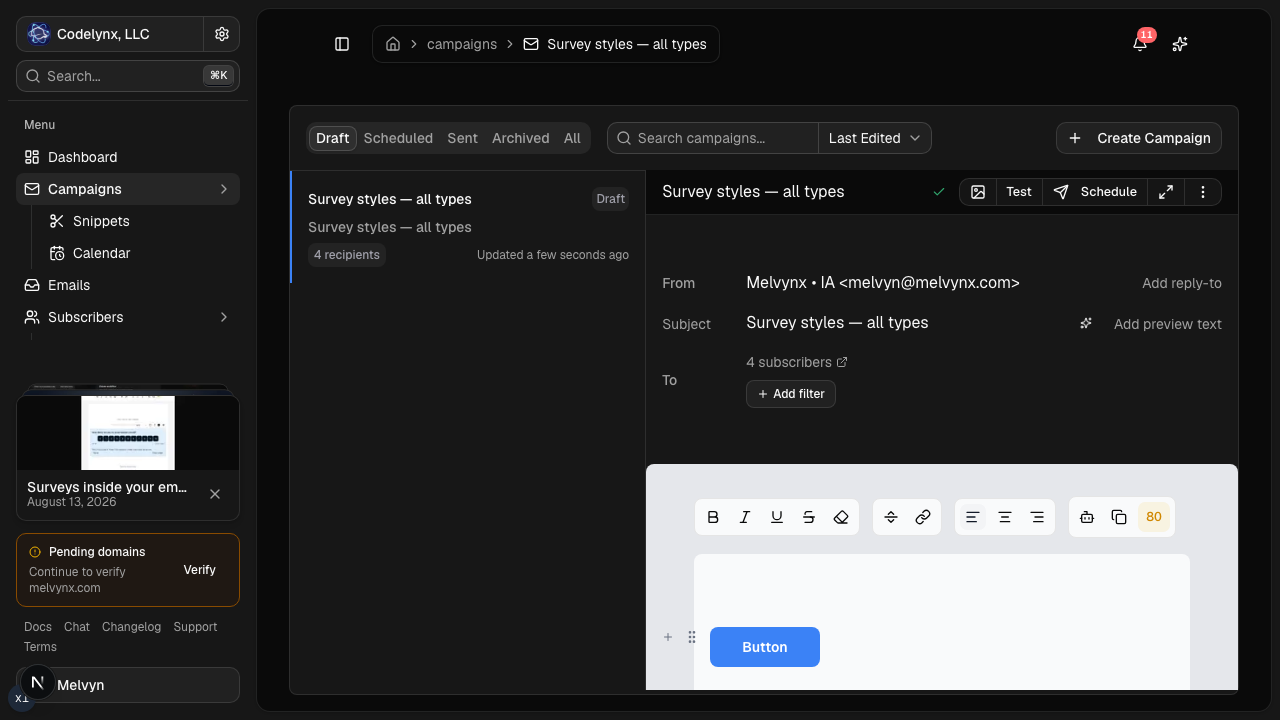
The second difference is time to first send. Marketo is bought through sales and usually rolled out by a marketing operations team. Lumail is self-serve: create an account, authenticate a domain, and send, with prices you can read before talking to anyone.
Choose Marketo if you run B2B demand generation
Marketo earns its price in B2B. It syncs both ways with Salesforce, Microsoft Dynamics, and Veeva, scores and routes leads, and puts engagement data in front of sales inside the CRM. It adds account-based marketing, landing pages, forms, webinars, website chat, and, on Ultimate, multi-touch revenue attribution through Marketo Measure. Lumail offers none of that.
Choose Marketo if:
- you run B2B demand generation or ABM and need native CRM sync, scoring, and routing;
- you want landing pages, forms, webinars, chat, and attribution in one Adobe product;
- you have, or will staff, a Marketo operations team and can buy a custom contract.
Lumail is not a marketing automation platform in that sense. It is the email layer: audiences, campaigns, graph workflows, delivery, and programmable access for agents and code.
Compare the pricing models, not the starting prices
Adobe does not publish Marketo prices. The pricing page lists four packages, Growth, Select, Prime, and Ultimate, and a form to request a quote. Licenses are priced per 1,000 contacts in your database, and extras such as additional users, API calls, and dedicated IPs are added to the sales order. Any dollar figure you find elsewhere is an estimate until Adobe confirms it.
Lumail publishes its prices and bills by email volume, with unlimited subscribers on every plan:
- Free: 3,000 emails per month, no credit card;
- Premium: $20/month with 40,000 emails included, then $0.60 per 1,000;
- Business: $200/month with 400,000 emails included, then $0.40 per 1,000.
A worked example
Say a B2B software company has 30,000 contacts and sends two campaigns a month to the full list, so 60,000 emails.
On Lumail, Premium covers the first 40,000 emails. The other 20,000 cost $0.60 per 1,000, or $12, so the month is $32. The 30,000 stored contacts cost nothing by themselves.
On Marketo, the license is sized to the 30,000 contacts in the database, at a per-1,000 rate you learn from Adobe's sales team, whether you email those contacts twice a month or twice a year. That quote also buys CRM sync, scoring, and the rest of the platform. If you need those, compare the full quote against Lumail plus whatever tools would replace them. If you only need email, you are paying for a platform you will not use.
Compare automation and transactional email
Marketo's automation runs on Smart Campaigns: batch or trigger campaigns that select people with smart lists and then run flow steps such as sending an email, changing a field, adjusting a score, or requesting another campaign. Engagement and nurture programs, lead scoring, and routing sit on top, and higher packages add account-based journeys and attribution.
Lumail's workflow engine is graph-based and included on every plan: subscriber, tag, event, schedule, and manual triggers; email, wait, action, and webhook steps; condition and weighted branches; goals and exit rules. It does not score or route leads to sales, but every workflow is readable and editable from the app, MCP tools, CLI, SDK, and API.
Marketo is not sold as a transactional email service. It can send operational emails, such as receipts and password resets, through its API by requesting a trigger campaign, but the person must already exist as a lead and the email must be approved in advance. Lumail sends transactional email through the REST API or the SMTP relay at smtp.lumail.io:587 with STARTTLS, from the same organization as your campaigns.
Migrating from Marketo to Lumail
This is a scope decision before it is a migration.
- Decide what leaves Marketo. If CRM sync, lead scoring, ABM, or attribution still matter, keep Marketo for them and move only the email that does not depend on them.
- Export people and subscription status. Export leads with their unsubscribe status through Marketo's export tools or REST API, allowing for daily API limits on large databases.
- Authenticate your sending domain. Add SPF and DKIM for Lumail and verify the domain before the first send.
- Rebuild email programs as workflows. Recreate email-only smart campaigns and nurture programs as Lumail graph workflows, and map static lists to tags or segments. Test with test subscribers.
- Move operational email and connect your agent. Point receipts and password resets at Lumail's API or
smtp.lumail.io:587, then connect Lumail's MCP tools to your assistant and hand it one real task.
Frequently asked questions
Is Lumail a Marketo alternative?
For teams that need campaigns, automations, and transactional email without an enterprise marketing automation platform, yes. For B2B demand generation that depends on CRM sync, scoring, and ABM, Marketo does work Lumail does not.
Is Lumail cheaper than Marketo?
Adobe does not publish Marketo prices, so no exact comparison is possible. Lumail's prices are public, starting free at 3,000 emails a month and $20 for 40,000; get Adobe's quote before claiming a specific saving.
What is the main difference between Lumail and Marketo?
Scope and billing. Marketo is a CRM-centric B2B marketing platform licensed per 1,000 contacts, while Lumail is an email platform billed by volume, with 89 MCP tools on every plan.
Can I migrate from Marketo to Lumail?
You can move contacts, unsubscribes, and email-only programs, then send from Lumail's app, MCP tools, API, or SMTP. Smart Campaign logic, CRM sync, scoring, and attribution do not transfer.
Which one should you choose?
Choose Marketo if you run B2B demand generation on Salesforce or Dynamics, need lead scoring, routing, and account-based marketing, and have the team and budget to run an enterprise platform.
Choose Lumail if what you need is email done well: campaigns, graph workflows, and transactional email in one organization, operated by your agents through 89 MCP tools, with published prices from $0 and no sales call.
You can start Lumail free with 3,000 emails per month and no credit card, review the pricing plans, or browse the full comparison hub.